
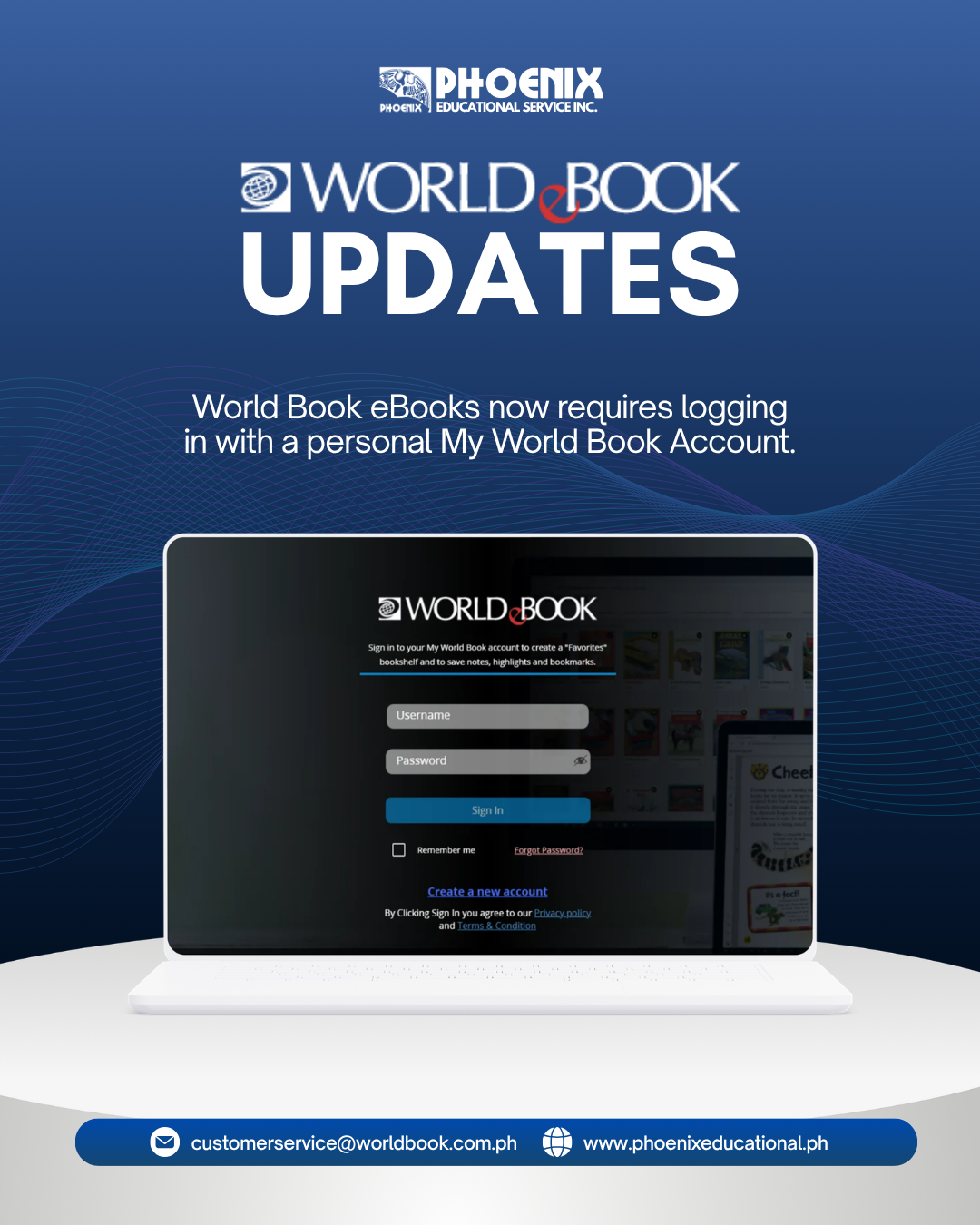
To further strengthen our security protocols and ensure the privacy of our readers, accessing World Book eBooks now requires authentication through an individual My World Book Account. This transition to personalized sign-in safeguards your institutional resources while delivering a seamless, customized reading experience across all your devices.
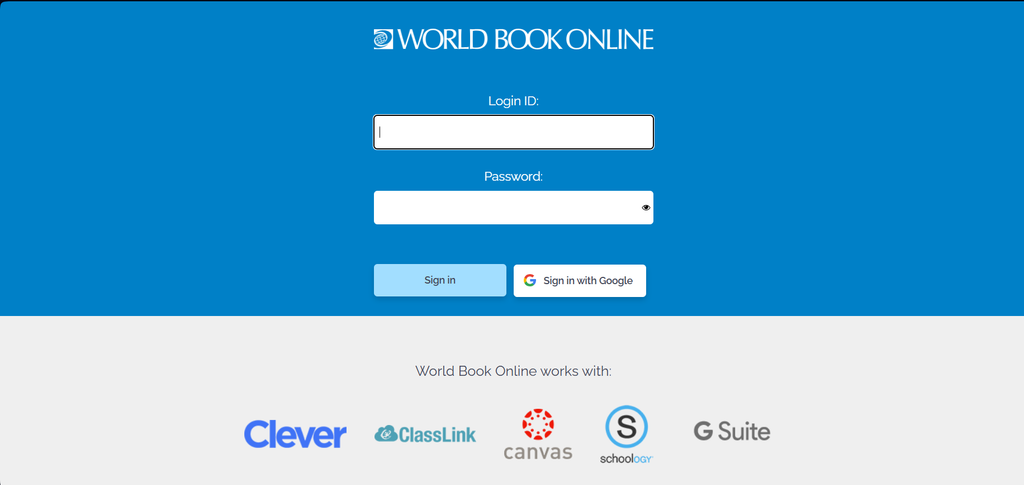
Step 1: Log In using your institution’s Log-in Credentials.
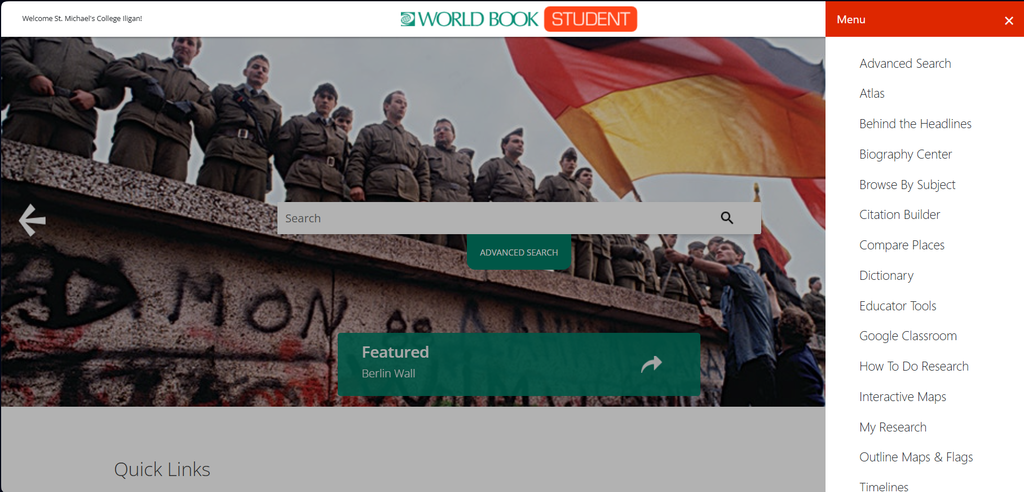
Step 2: Open Either World Book Student or World Book Advanced and click the Menu Icon in the top right corner of your screen.
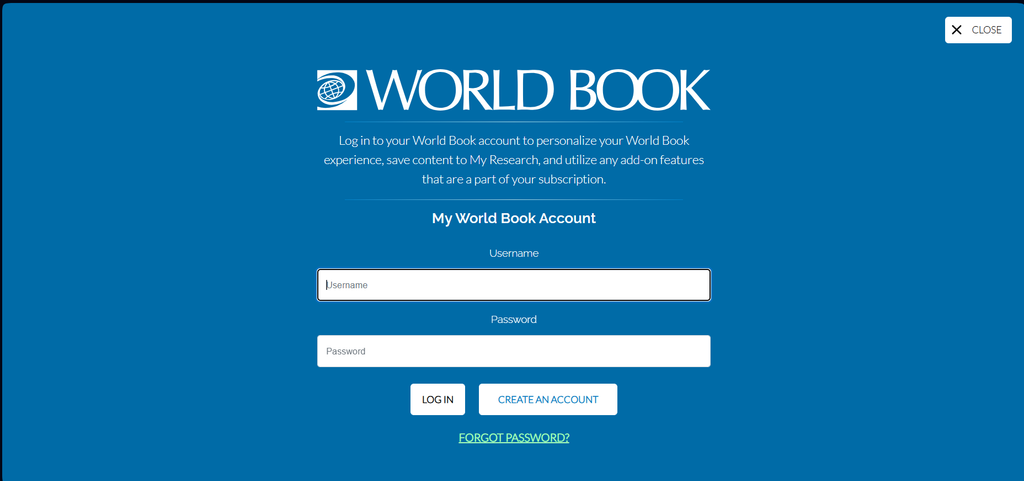
Step 3: Click Create an Account and answer the required fields. Click Submit.
Once created, your personal My World Book Account will serve as your primary single sign-in credential across our digital ecosystem. You can use these same unified credentials to seamlessly access and sync your reading materials on both the web-based World Book eBook platform and the dedicated World Book eBook mobile app, ensuring a consistent and secure reading experience across all your preferred devices.